Try-on · Fashion Studio
AI virtual try-on for clothing brands
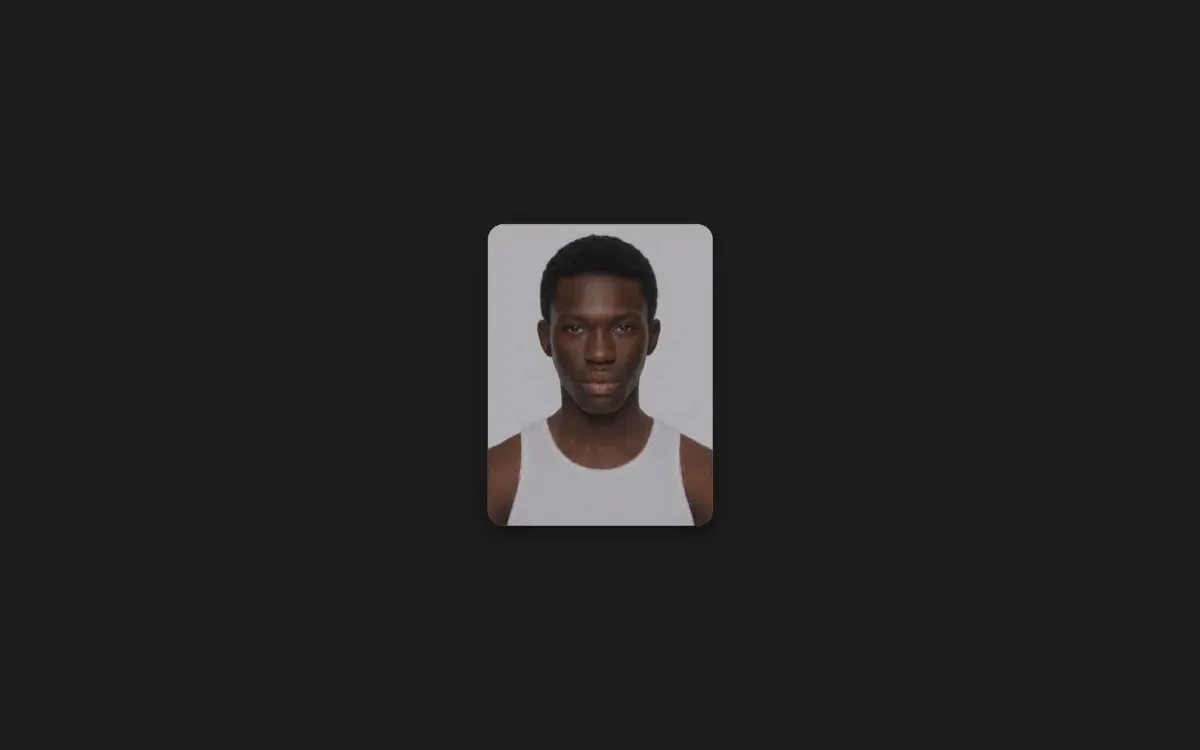
Avioo's Try-on puts your clothes on your model: you add one model photo and up to six photos of the clothes and get one full-body photo of the model wearing them.
What do you add?
- A photo of your model
- One to six photos of the clothes
What do you get?
- One full-body photo of the model wearing them
- The format you pick
How does Try-on work?
- 1
Add your model.
- 2
Add the clothes: one photo per piece works best.
- 3
Press Generate and download the photo.
Which one fits?
Pick by what the photos are for.
Try-on
This pageOne full-body photo of the clothes on your model is enough.
Studio shoot
The clothes are the subject, on a clean studio set, as in a lookbook.
Flat lay
The garment should be shown on its own, laid flat, for a product page.
Start with Try-on
Press Generate and download the photo.
More from the studios
Studio shoot
Studio photos of your model in your outfit
Editorial shoot
Your model, shot in a place you choose
Flat lay
Clean photos of one garment
Product shoot
Your product, shot like a photo you like
With model
Your product on a model
Catalog shoot
Clean catalog photos on any colour
Product swapper
Your product in an existing picture