AI Fashion Campaign Photo Generator
Create professional fashion campaign photos and lookbook images in about a minute. Upload your products, choose a style, and let AI do the rest — no studio or photographer needed.
Runs on Fashion Studio · results in about a minute
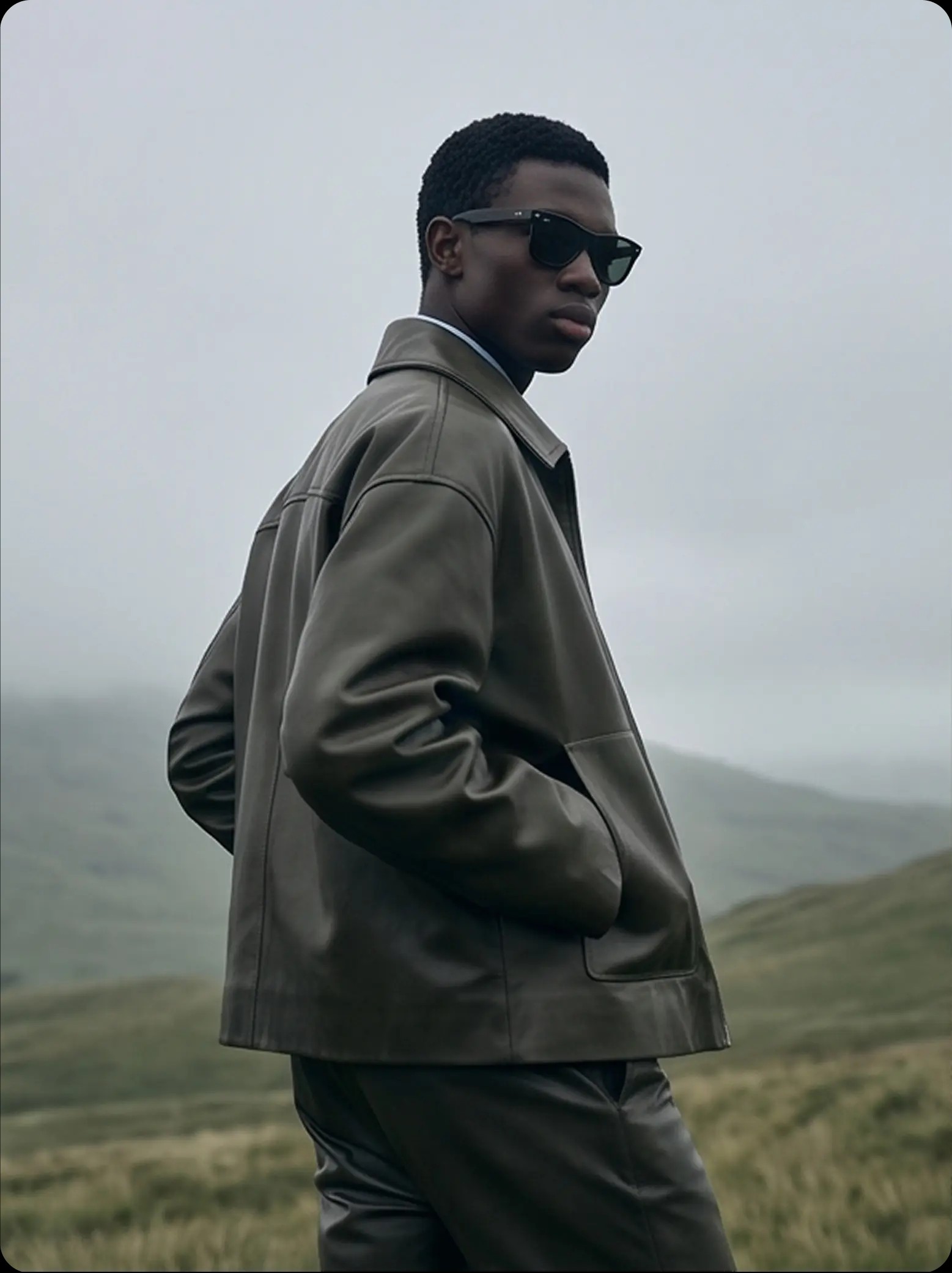
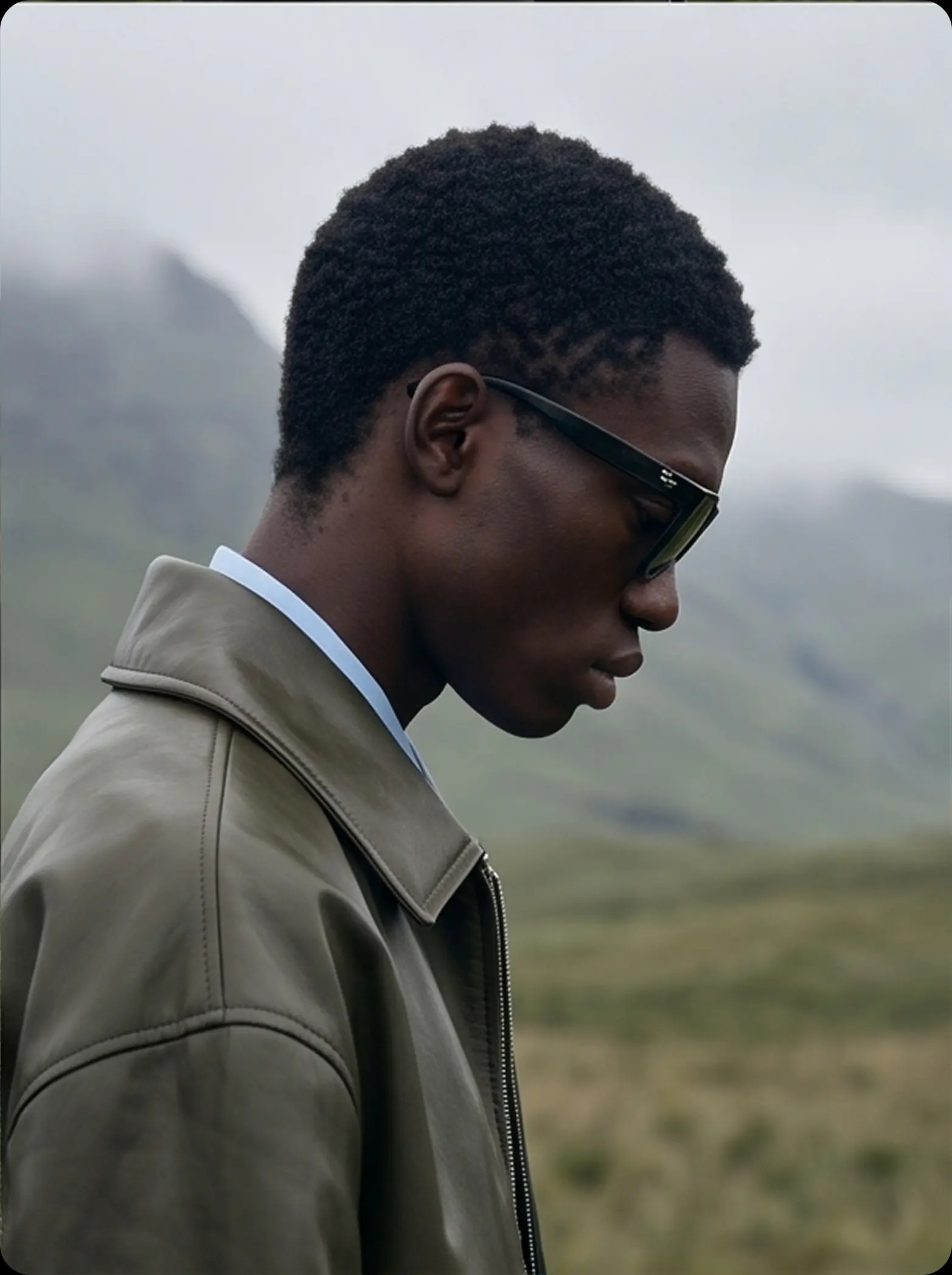
Campaign
Shoot a model in any location. 9 photos.
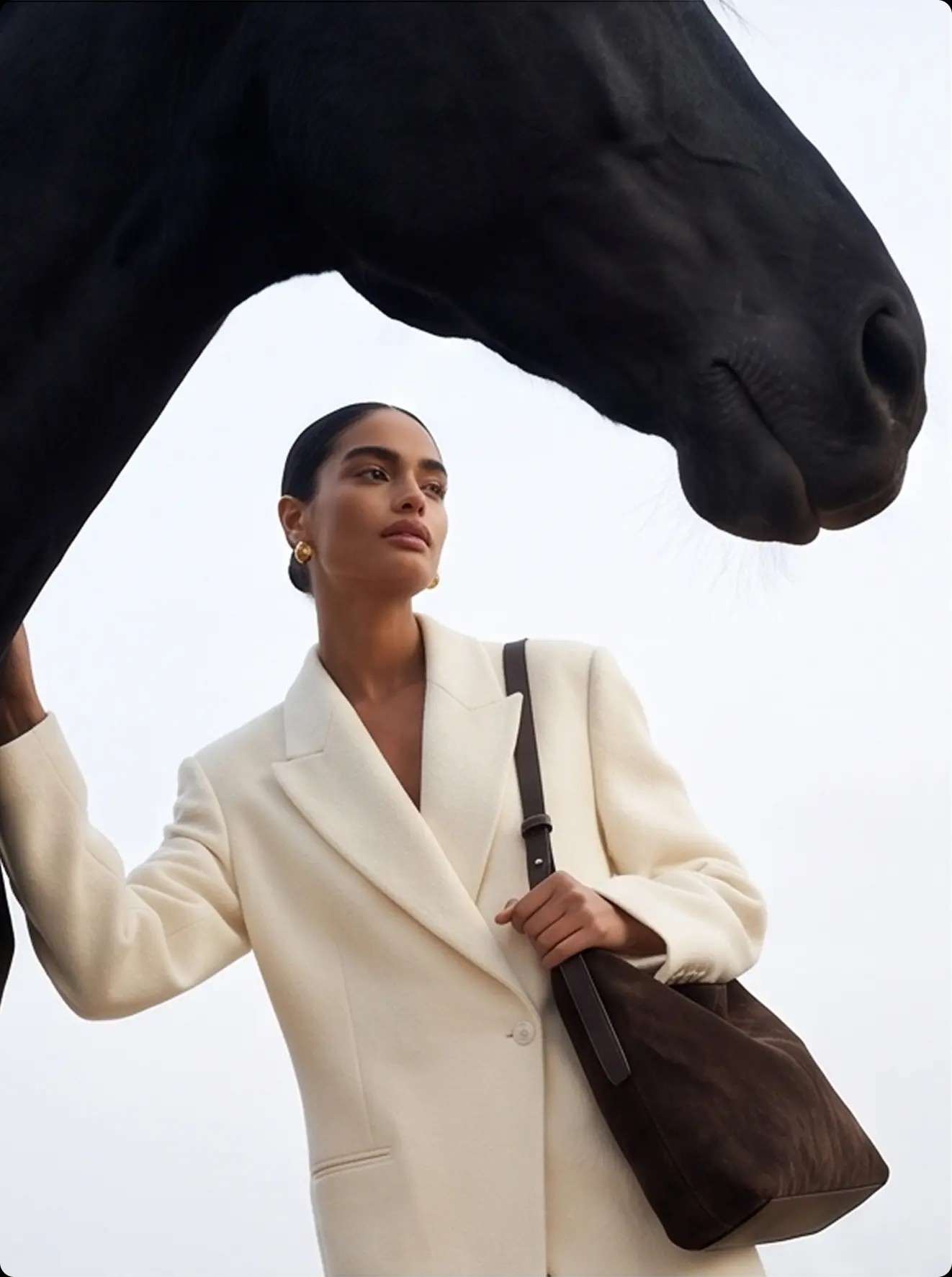
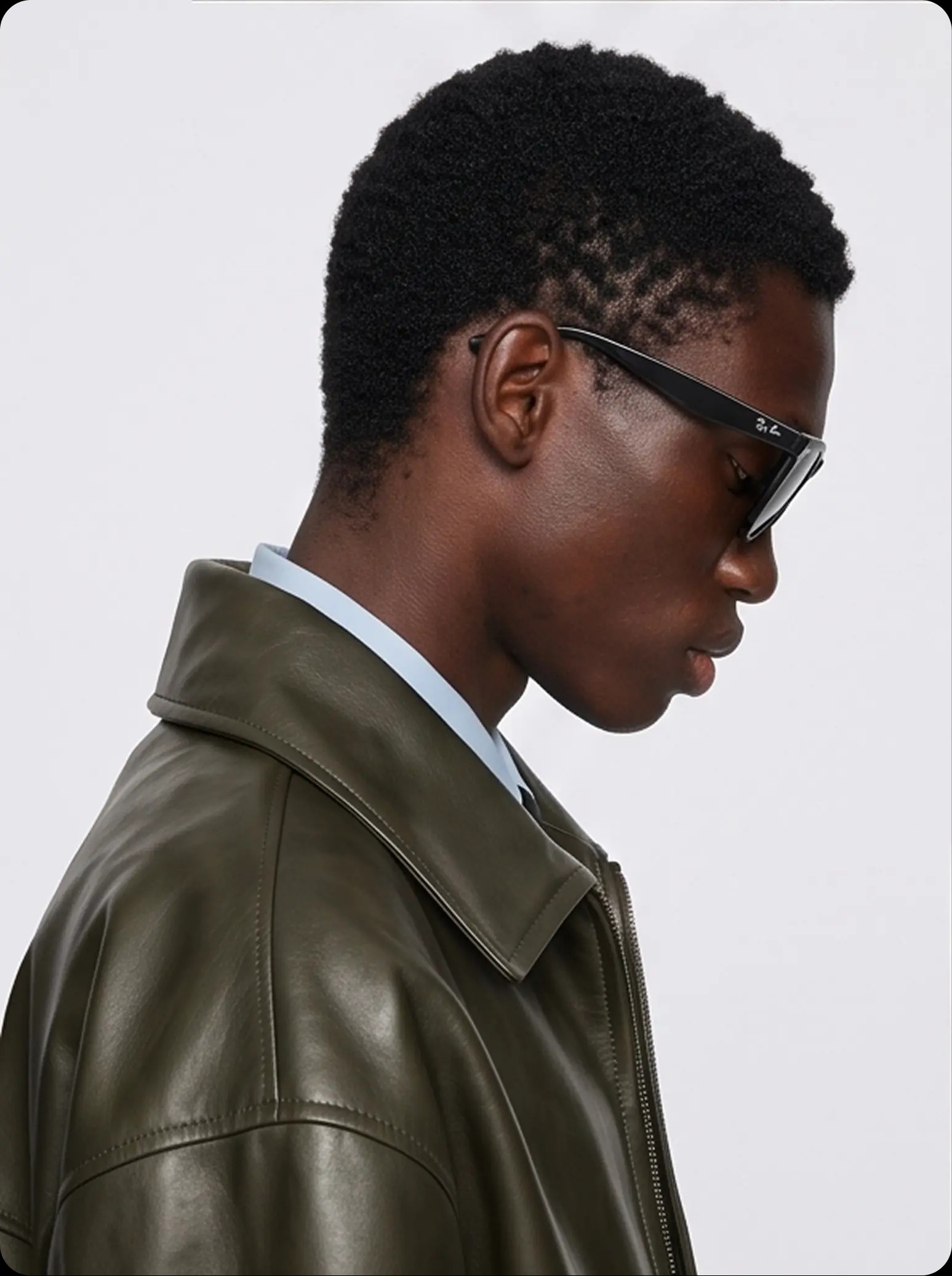
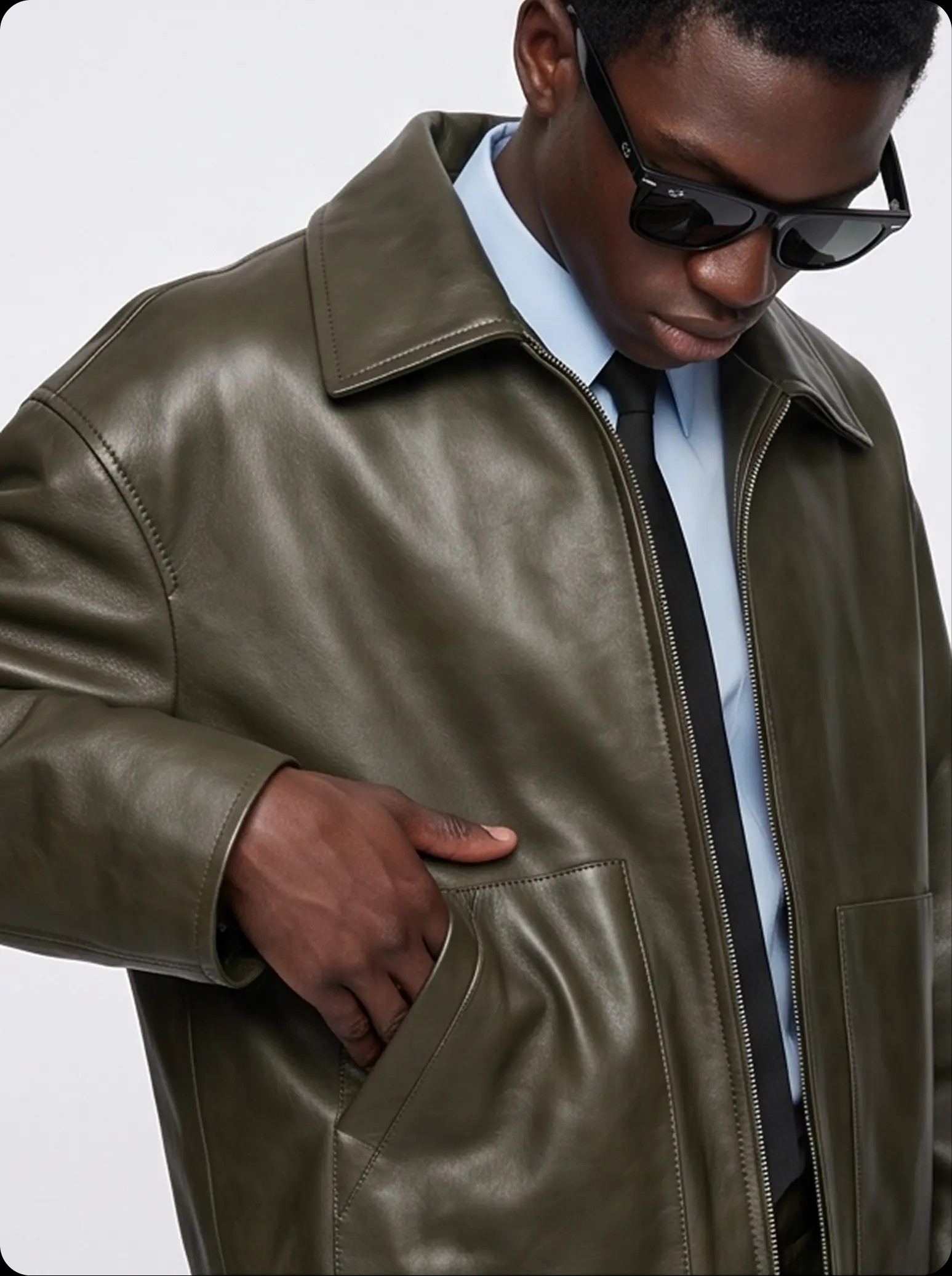
Made with Campaign
Real results from Avioo. Add your own product to make yours.
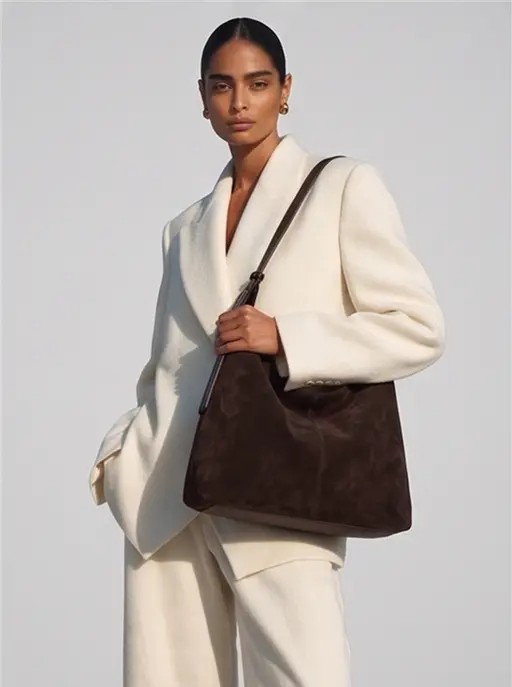
How it works
- Step 1
Add the location
A photo of the place: a street, a studio set, a beach, an interior.
- Step 2
Add the model
A person wearing your outfit. Use your own photo or one of the ready-made models.
- Step 3
Pick your shots
Nine campaign photos come back. Upscale the ones you want and download them.
Who it's for
Small fashion labels often finish a collection with no budget to send a team to a location. This page is for that moment, when you want editorial campaign images of your clothes in a real place. In Avioo's Fashion Studio you add a photo of the location and a photo of a model wearing the outfit, and get nine 3:4 campaign shots of that model in that place.
Seasonal drop announcement
A new season's pieces are on a model and you need location images for the launch email and homepage before the drop goes live.
Testing locations before booking
Compare how the same outfit reads on a rooftop, a beach or in a gallery before committing a real shoot day to one of them.
A capsule of a few looks
A capsule of three or four outfits needs a consistent campaign set, with each look placed in the same chosen location.
What you get
- You add
- A photo of the location, and a model wearing your outfit.
- You get
- Nine campaign photos of that model in that place, as separate frames.
- Time
- About a minute per run
- Plan
- Generating needs a plan. See pricing
Tips for a better result
- 1Photograph the model full length against a plain wall, so the whole outfit, shoes included, is visible and nothing is cut off at the edges.
- 2Pick a location photo whose light suits the garments, such as soft overcast light for linen and knits or bright sun for denim.
- 3Choose a location photo with no people in it, so the model you added is the only person the scene is built around.
Frequently asked questions
- How do I create a fashion campaign without a photographer?
- With Avioo you upload your product images and select a campaign style. The AI generates editorial-quality photos in about a minute — no photographer, studio, or booking required.
- Can AI generate professional product campaign photos?
- Yes. Current image models produce campaign-quality visuals from a single product photo. Avioo runs them through ready-made templates, so you pick a look instead of writing prompts.
- What types of fashion campaigns can I create?
- Lookbooks, editorial spreads, lifestyle shots, flat lays, on-model campaigns, seasonal collections, and social media content.
- How much does AI photography cost vs traditional?
- Traditional shoots cost $2,000–$10,000+. With AI you spend credits per image instead, so a full campaign costs a fraction of a shoot.
- Do I need my own model photos?
- No. You can use your own photo of a person wearing the outfit, or choose one of Avioo's pre-made model pictures. The location photo can be any picture of the place you want.
- How do I get single images out of the nine?
- The nine shots come as one 3:4 2K sheet that is cut into separate frames. Each frame is its own image, and every result is saved in your Library.
Related tools
- AI Clothing Brand PhotoshootSkip the expensive studio. Generate professional clothing brand photos with AI — perfect for fashion startups and DTC brands looking to scale visual content.
- AI Fashion Lookbook GeneratorCreate stunning lookbook images for your fashion brand in minutes. Perfect for seasonal collections and brand launches — without a creative team.
 Product Campaign Image MakerCreate compelling campaign images for any product. Upload, choose a style, and generate professional marketing visuals for ads, social media, and your store.
Fashion & campaign photos
Try it with your own product
Add your pictures, press Generate and download what you like.