AI Clothing Brand Photoshoot
Skip the expensive studio. Generate professional clothing brand photos with AI — perfect for fashion startups and DTC brands looking to scale visual content.
Runs on Fashion Studio · results in about a minute
Studio
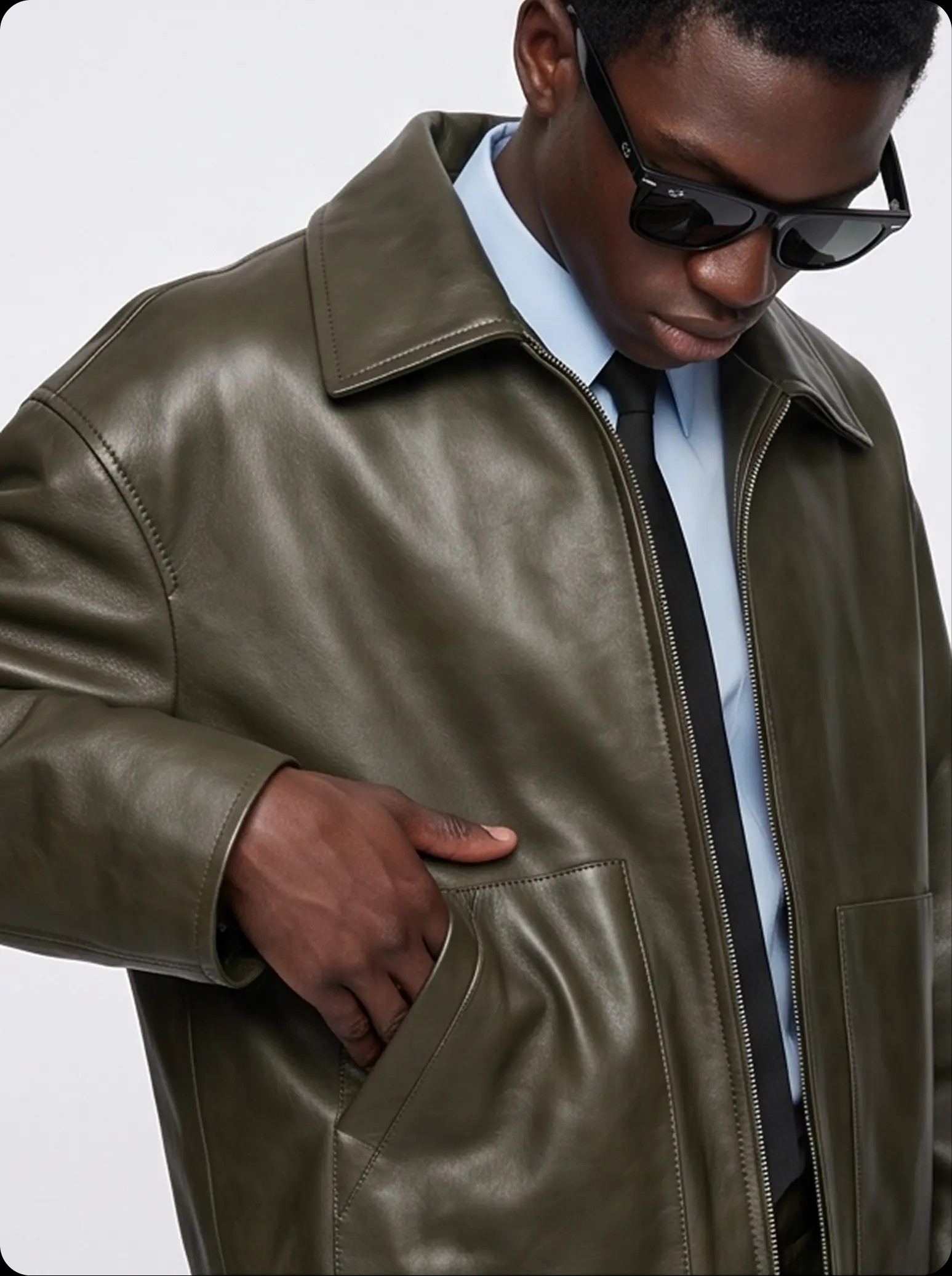
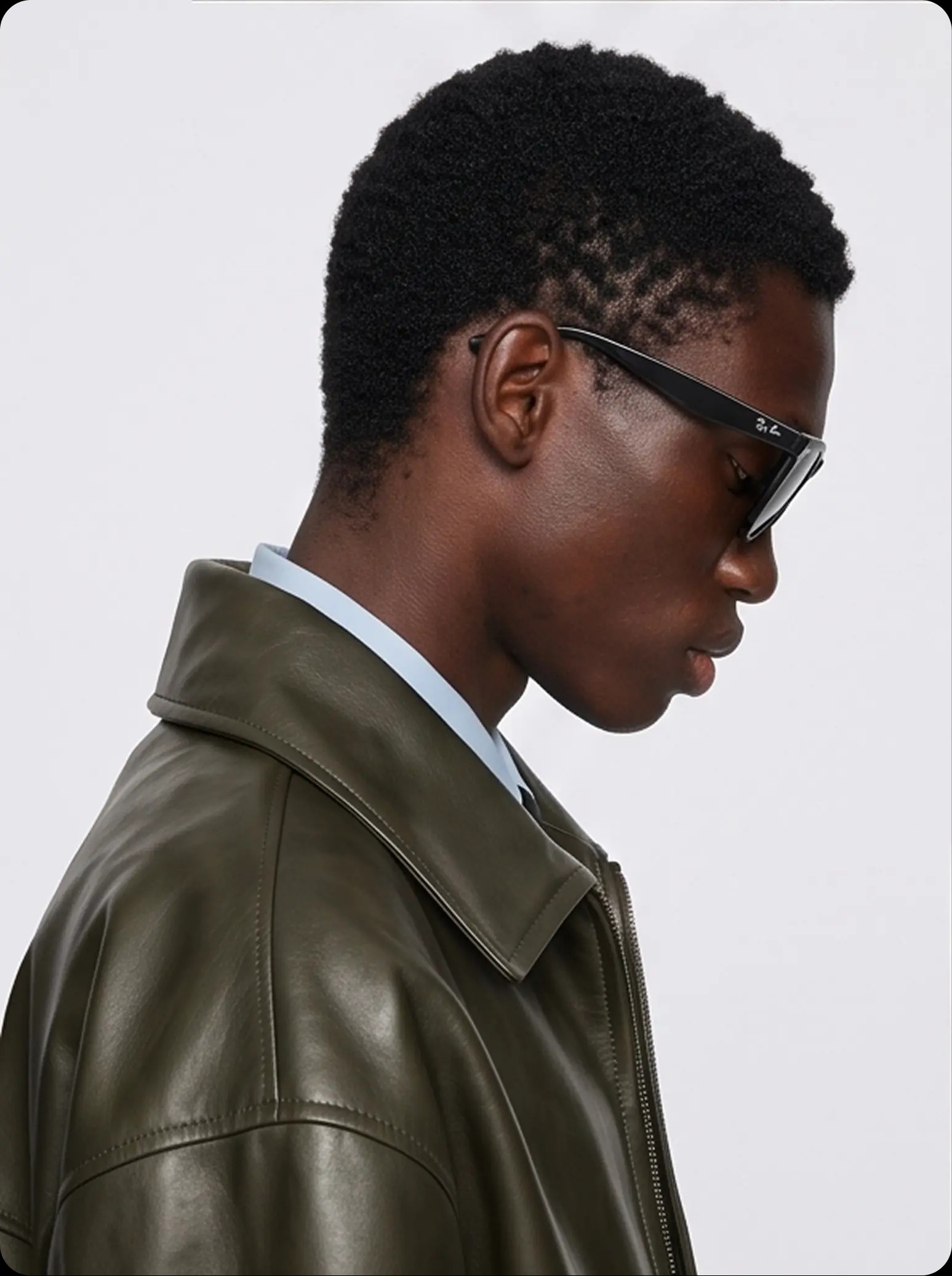
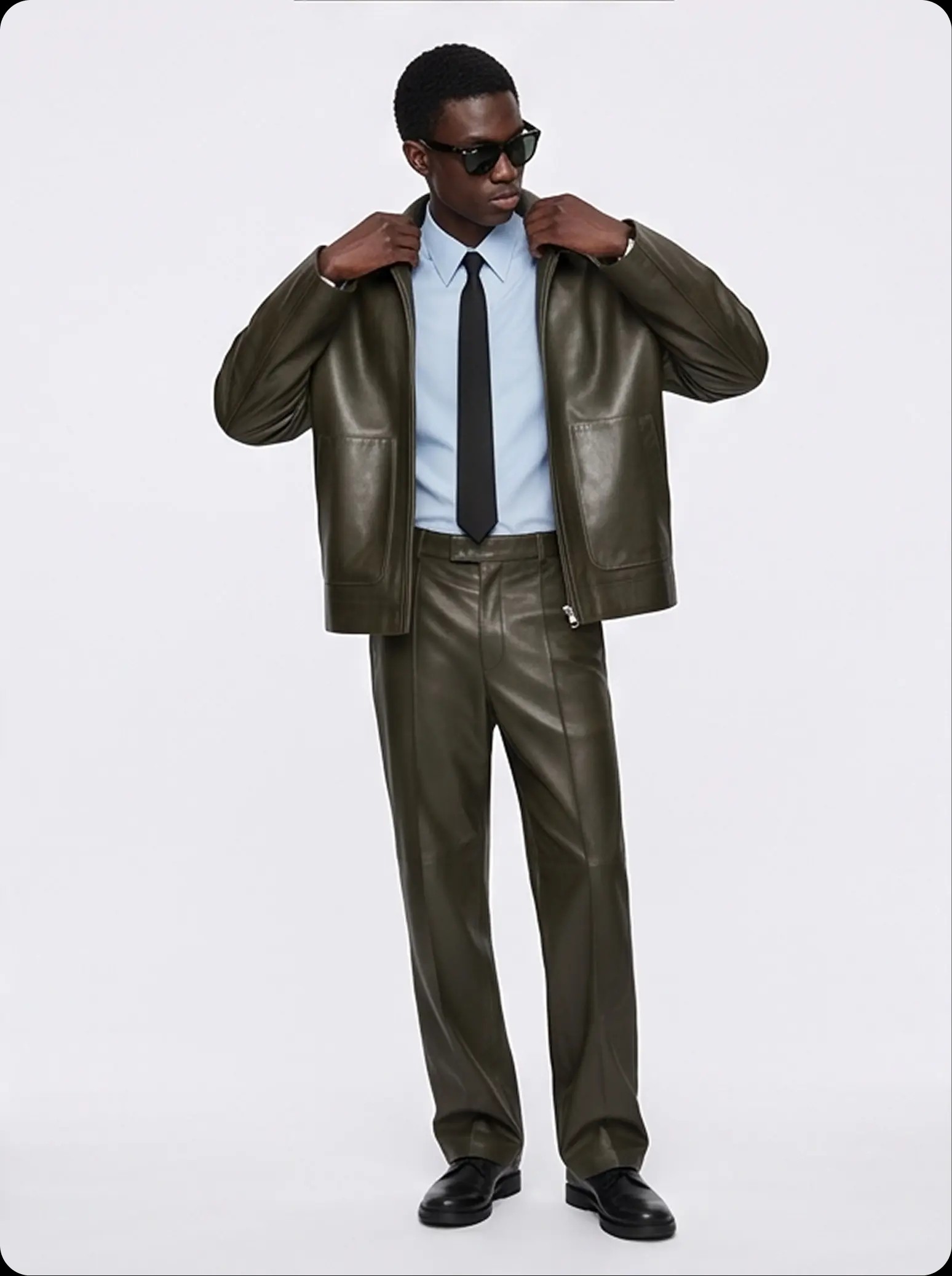
Studio photos of a model in 9 poses.
Made with Studio
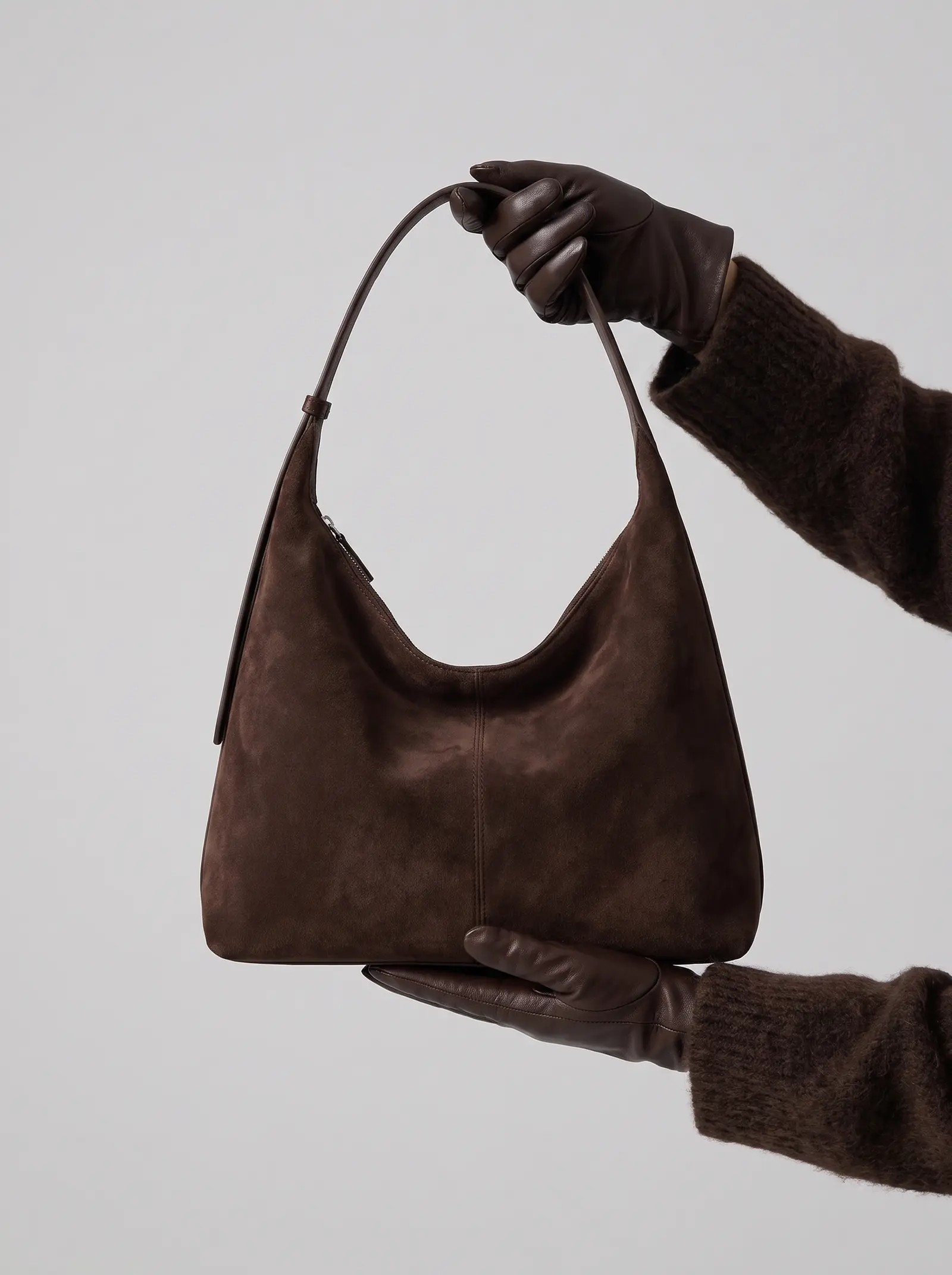
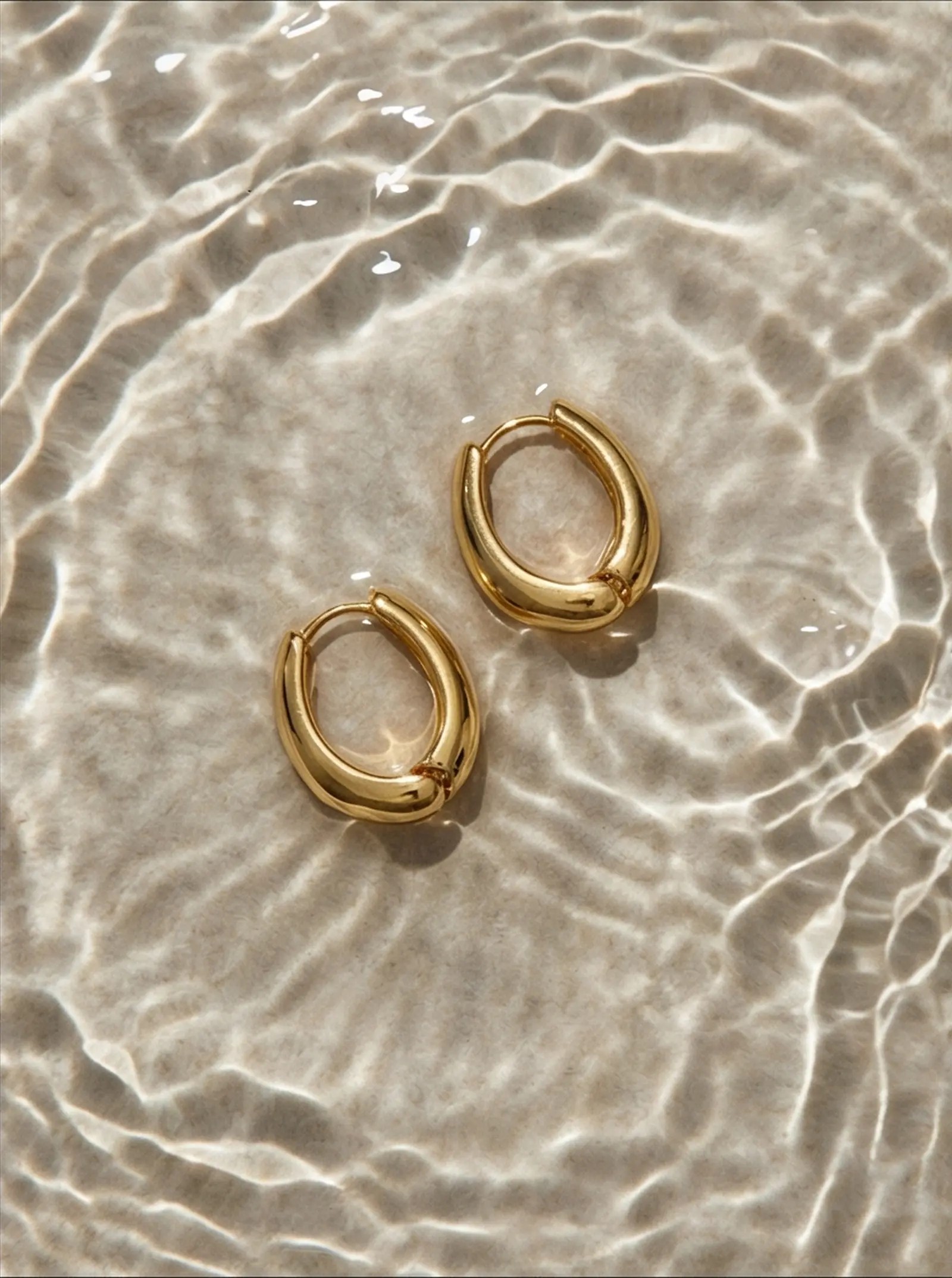
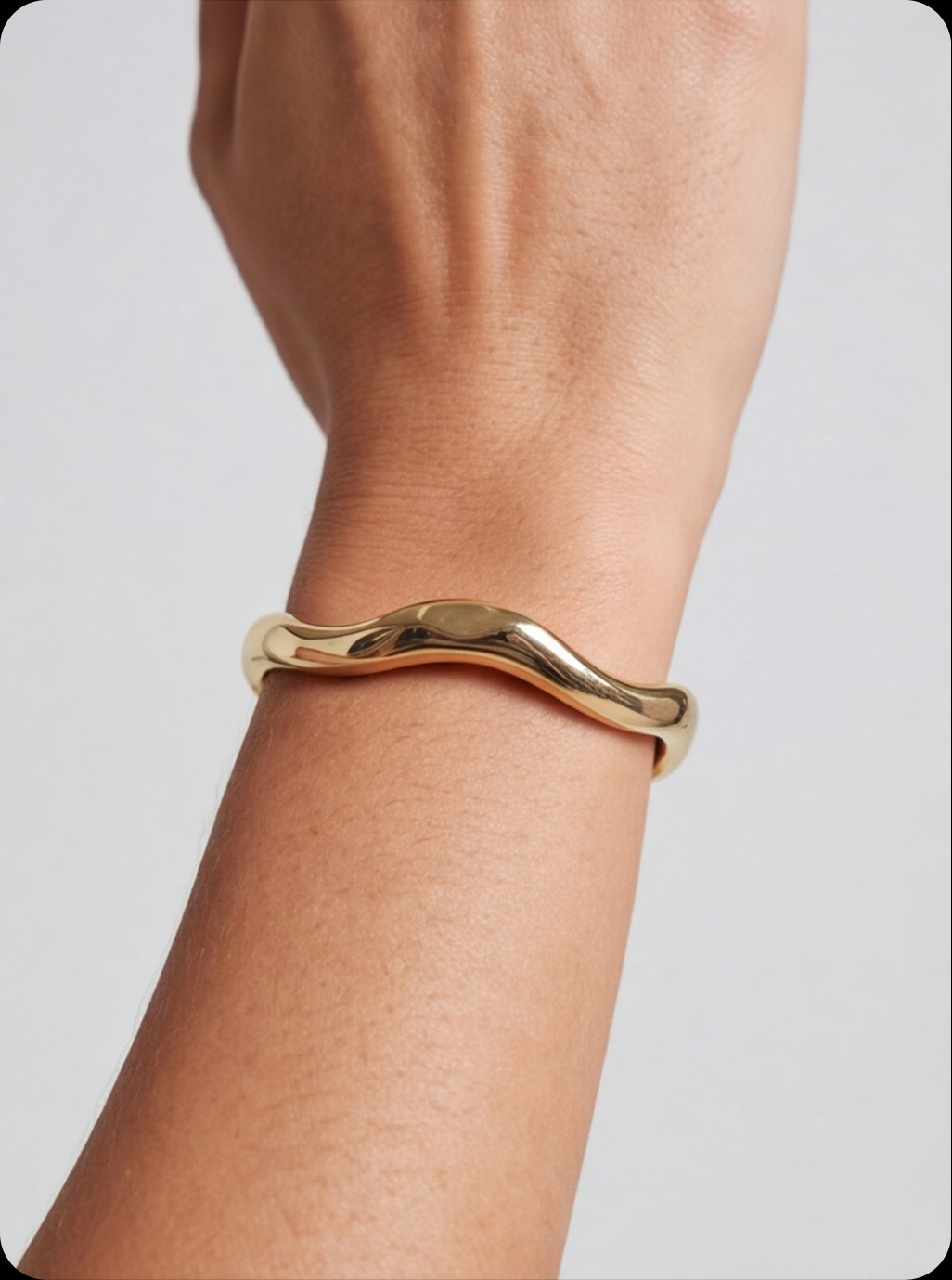
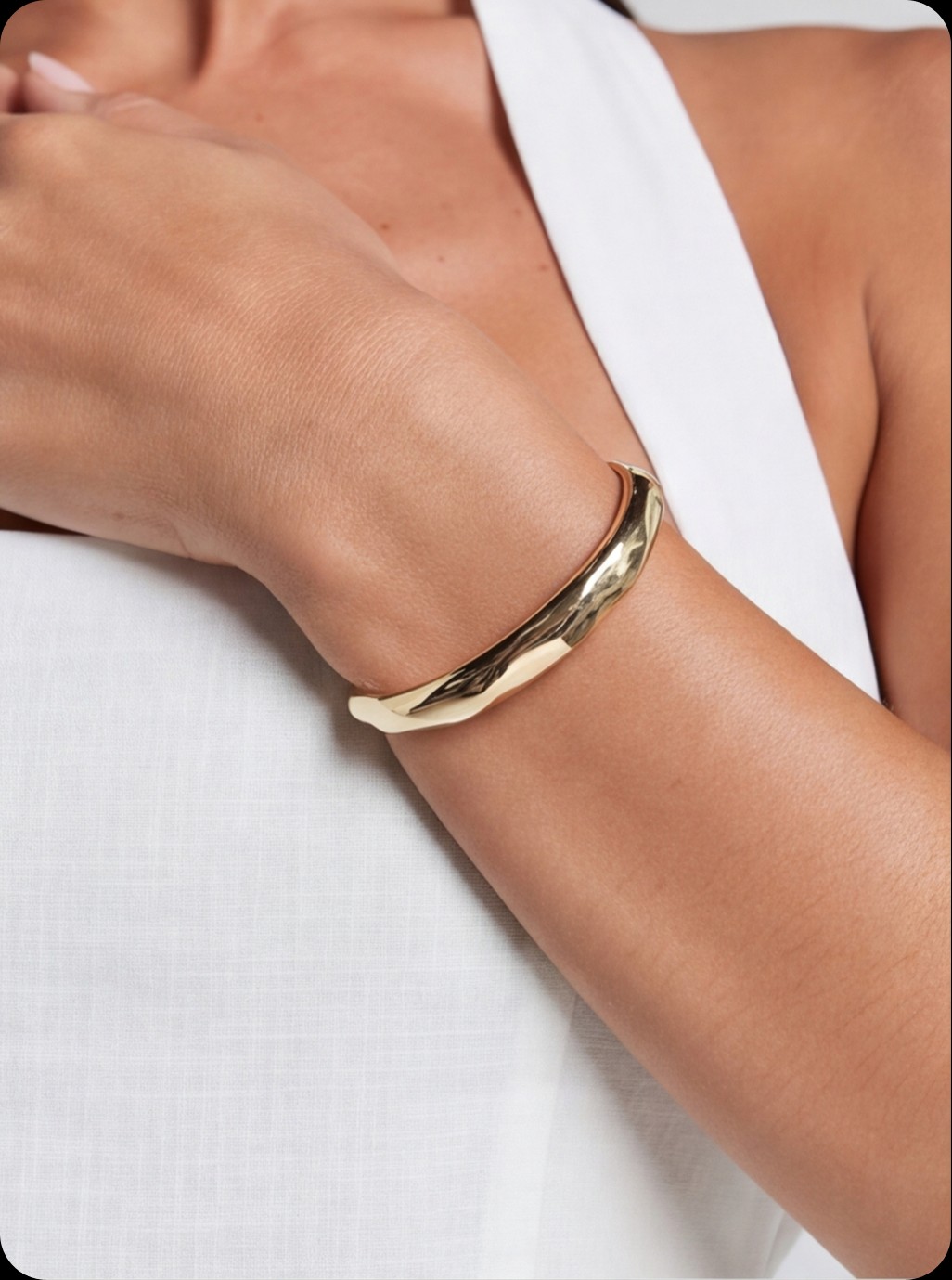
Real results from Avioo. Add your own product to make yours.
How it works
- Step 1
Add the model
One clear picture of the model wearing the outfit, head to toe.
- Step 2
Generate the lookbook
Avioo shoots nine clean, high-key studio poses of the same look.
- Step 3
Pick your shots
Upscale the frames you want and download them for the store or the lookbook.
Who it's for
Small clothing labels need a clean lookbook for every drop, but booking a white studio, a model and a retoucher for each release rarely pays off. This page is for founders who already have one photo of someone wearing the outfit. Add that model picture to Avioo's Fashion Studio and you get nine bright, high-key studio lookbook shots at 4:5 in 2K, cut into separate frames.
Lookbook for a new drop
Turn one fitting-room photo of each new style into a set of evenly lit studio frames for the collection page before launch day.
Matching product page images
Give every garment the same bright, high-key backdrop so product pages read as one collection instead of a mix of phone shots.
Wholesale line sheets
Pull clean 4:5 studio frames of each outfit for line sheets and buyer decks sent to boutiques and stockists.
What you get
- You add
- One picture of a model wearing your outfit.
- You get
- Nine bright studio lookbook shots, as separate frames.
- Time
- About a minute per run
- Plan
- Generating needs a plan. See pricing
Tips for a better result
- 1Use a full-length photo where the whole outfit is visible from collar to hem, with no bag or arm covering seams or pockets.
- 2Shoot in even daylight against a plain wall so fabric color, knit texture and print details come through accurately.
- 3Steam or iron the garment first, because creases, lint and loose threads in your photo tend to carry into every studio frame.
Frequently asked questions
- How can a clothing brand get professional photos without a photoshoot?
- AI tools like Avioo let you upload product images and generate professional brand photos instantly. No models, studios, or photographers needed.
- Is AI photography good enough for a clothing brand?
- Yes, for most e-commerce uses. The result depends on the photo you upload: a clear, well-lit product picture gives the most accurate garment, and you can generate again until it fits your brand.
- Can I create on-model photos with AI?
- Yes. Avioo templates place your clothing on AI-generated models in various poses, settings, and styles.
- What exactly do the nine studio shots show?
- Nine lookbook frames of the same person and outfit, each a variation on a bright, high-key studio shot. You select the frames you want, upscale them to 2K or 4K and download them.
- Do I need to hire a professional model?
- You need one picture of a person wearing the outfit. That can be a team member, a friend or a fit model photographed on a phone, as long as the outfit is clearly visible.
Related tools
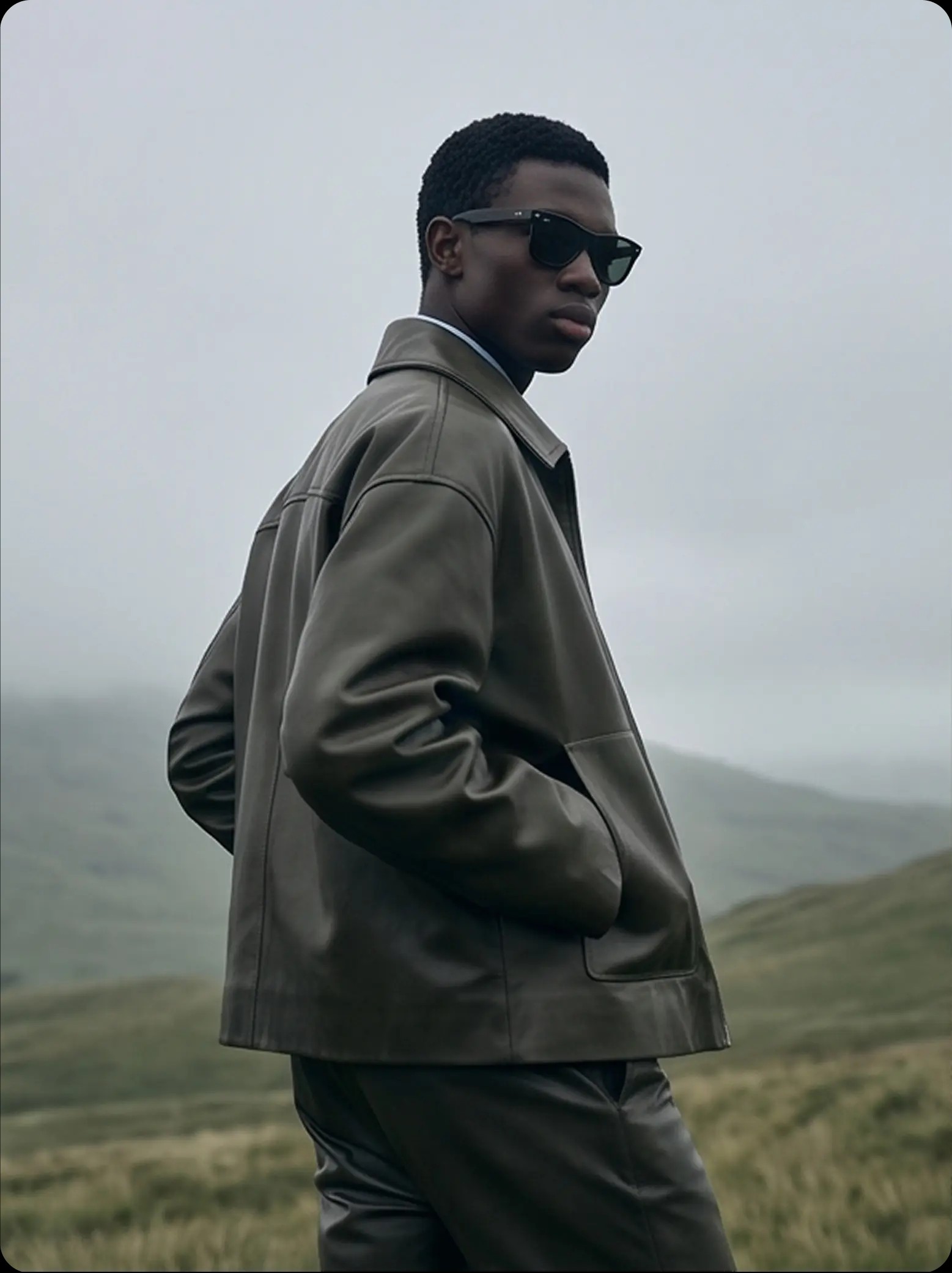 AI Fashion Campaign Photo GeneratorCreate professional fashion campaign photos and lookbook images in about a minute. Upload your products, choose a style, and let AI do the rest — no studio or photographer needed.
 Product Campaign Image MakerCreate compelling campaign images for any product. Upload, choose a style, and generate professional marketing visuals for ads, social media, and your store.
Fashion & campaign photos
Try it with your own product
Add your pictures, press Generate and download what you like.