Product Campaign Image Maker
Create compelling campaign images for any product. Upload, choose a style, and generate professional marketing visuals for ads, social media, and your store.
Runs on Product Studio · results in about a minute
Product Shoot
Your product shot like a reference photo. 9 photos.
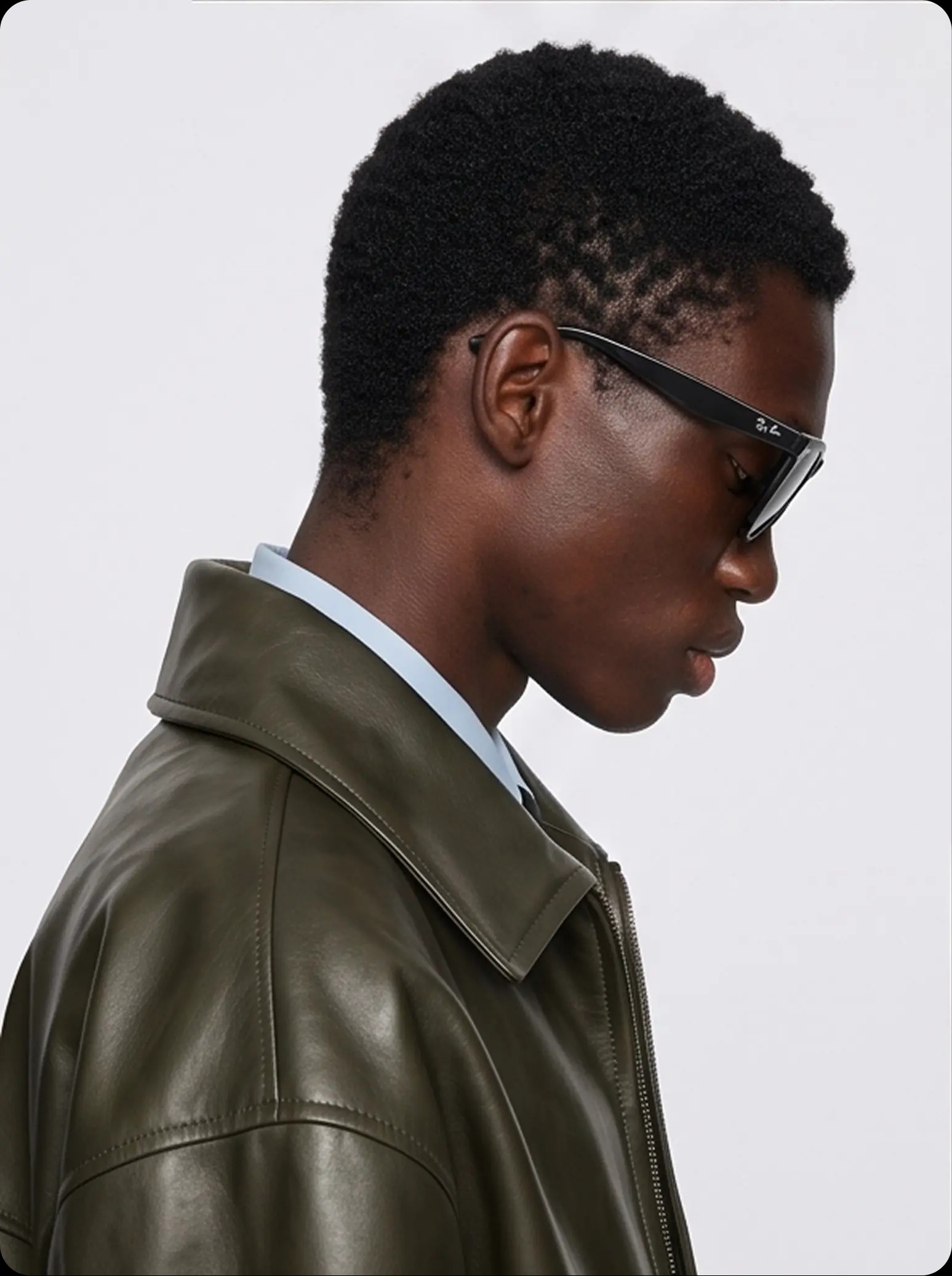
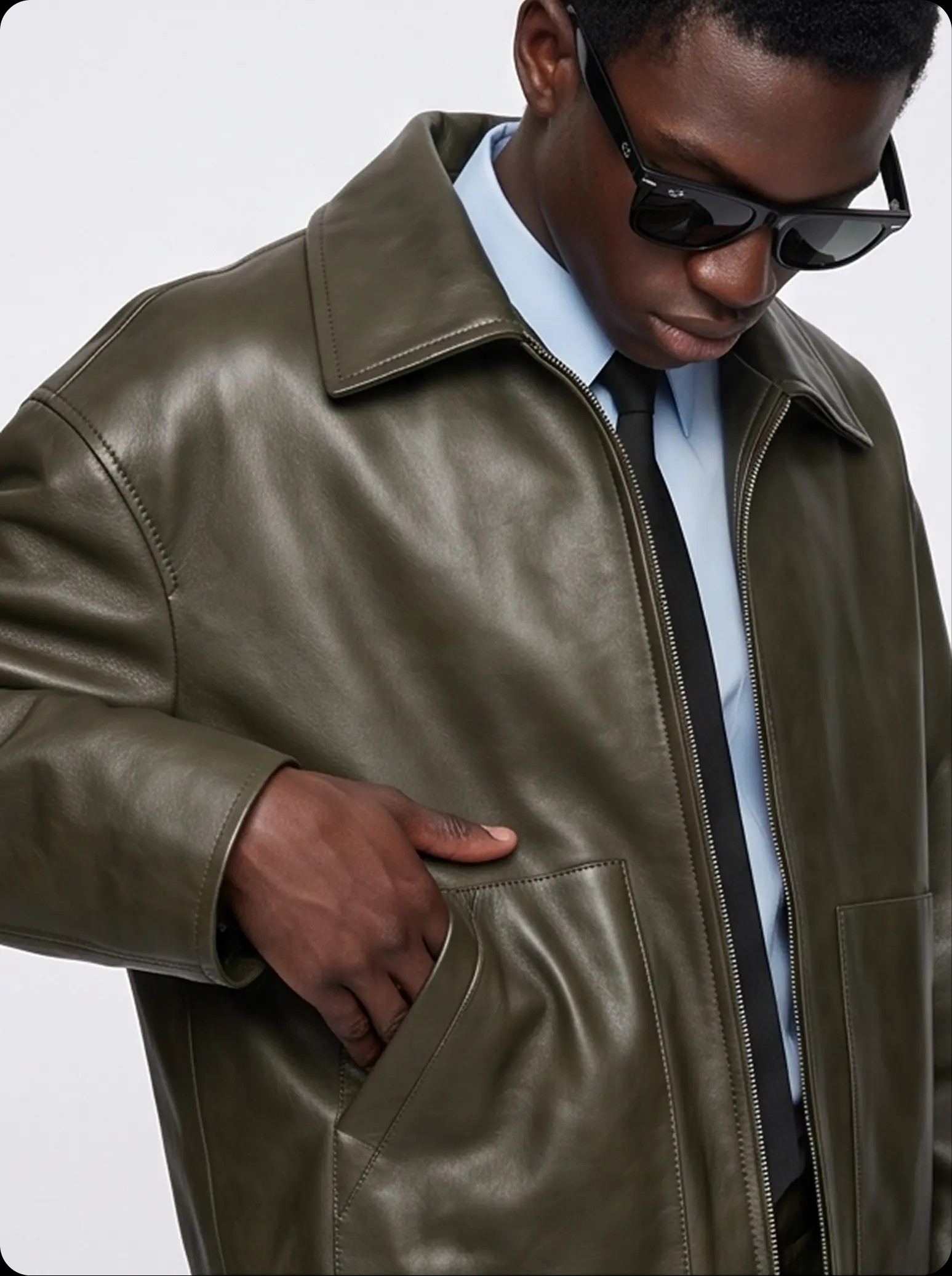
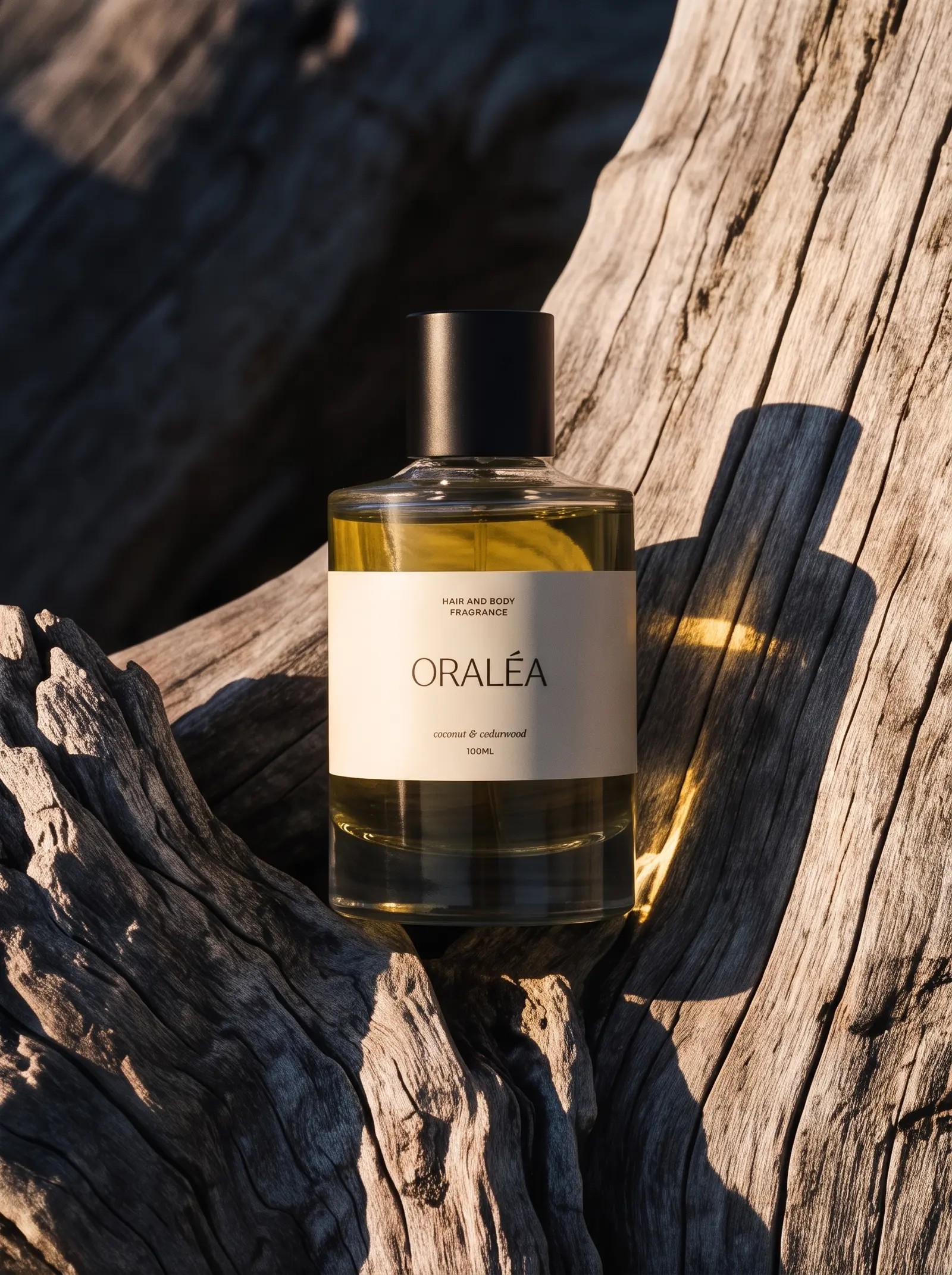
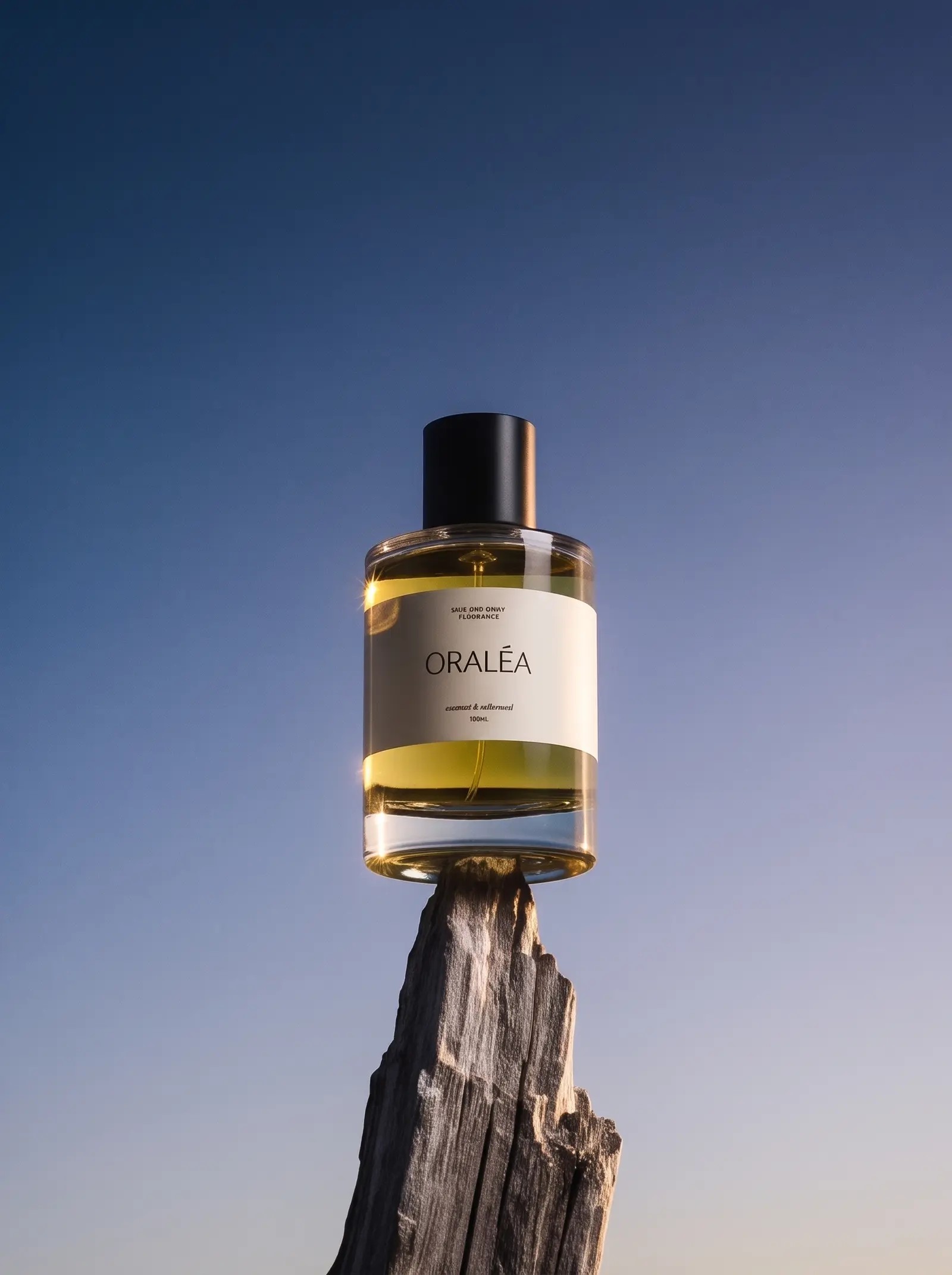
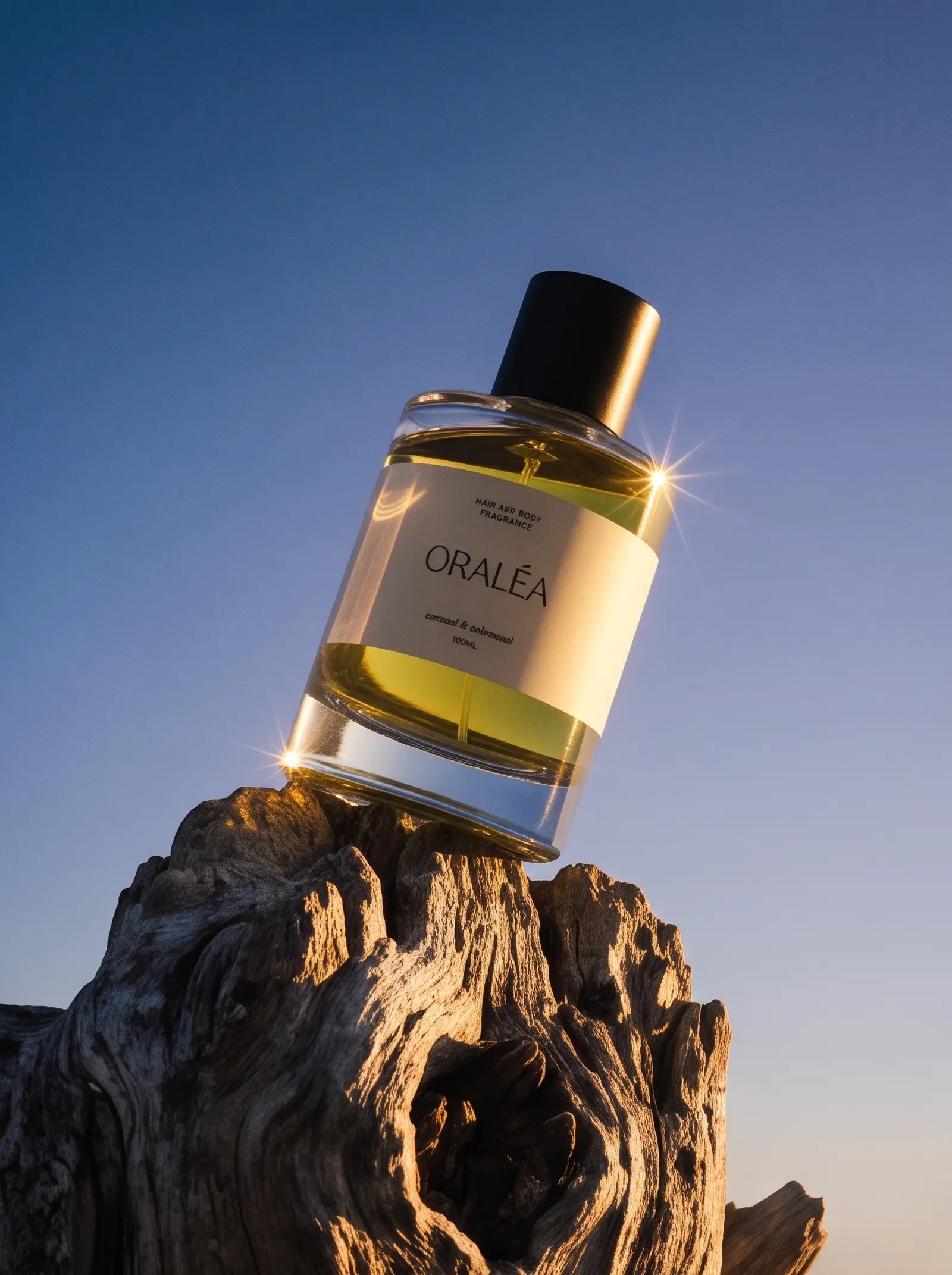
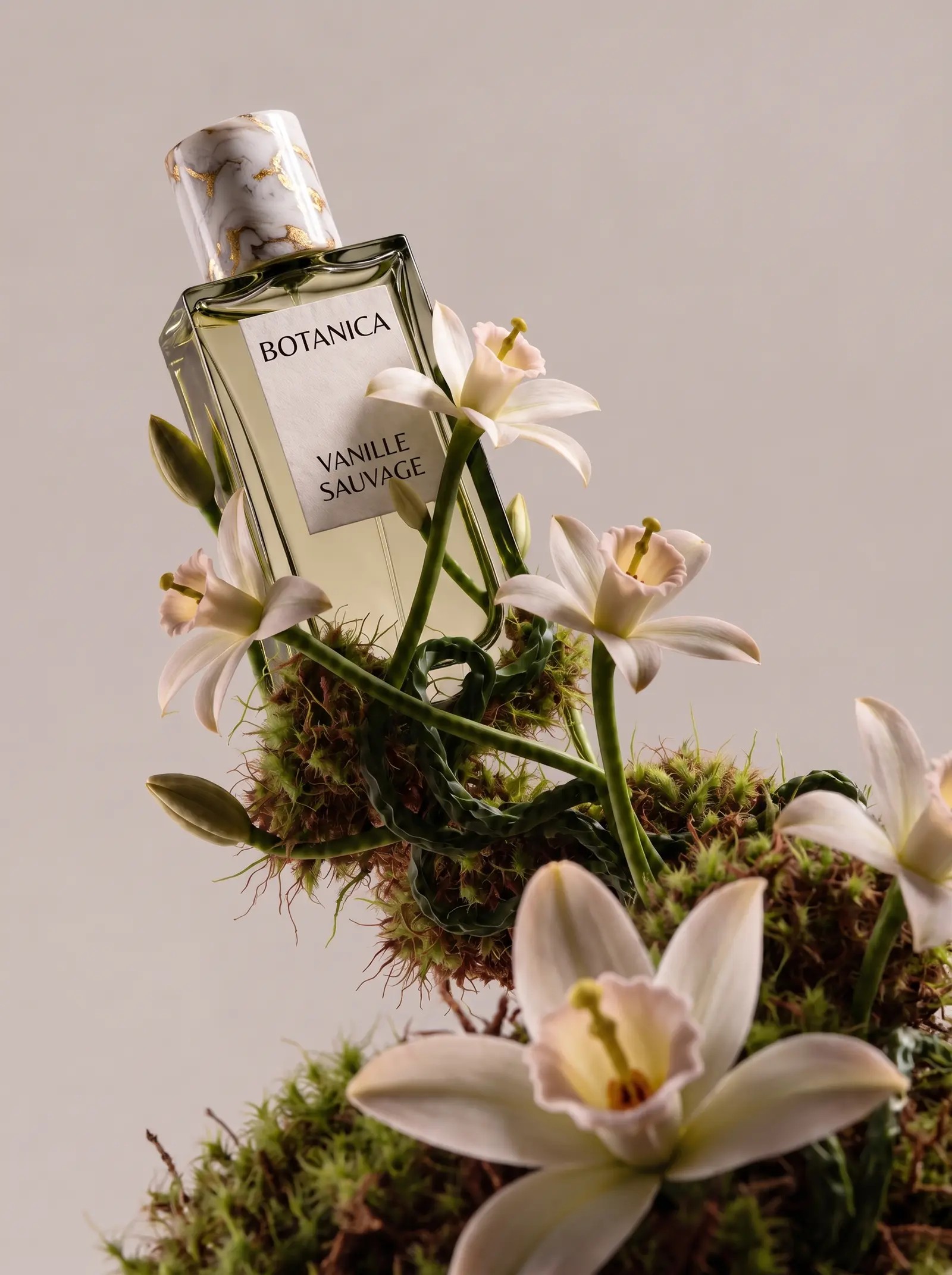
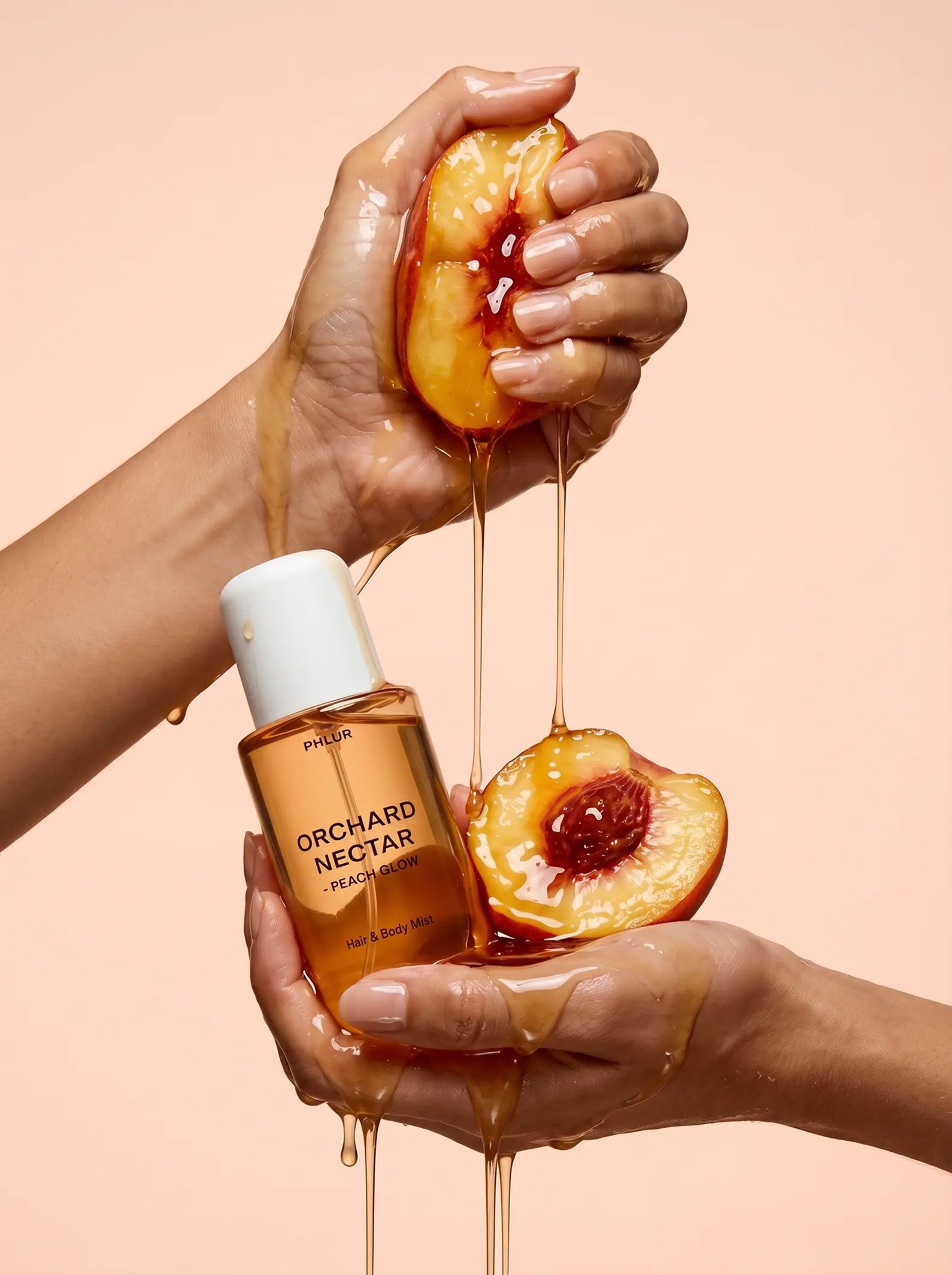
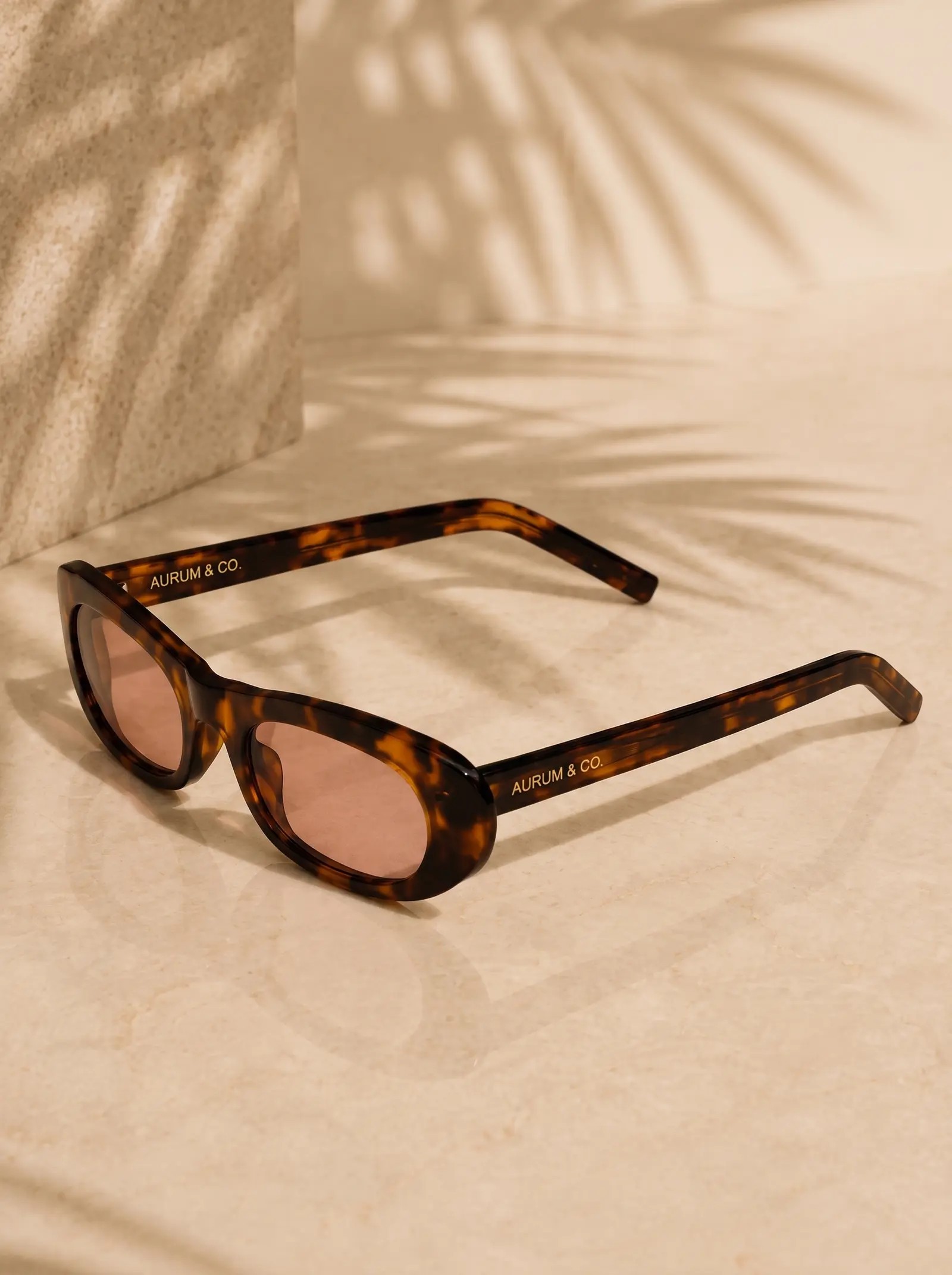
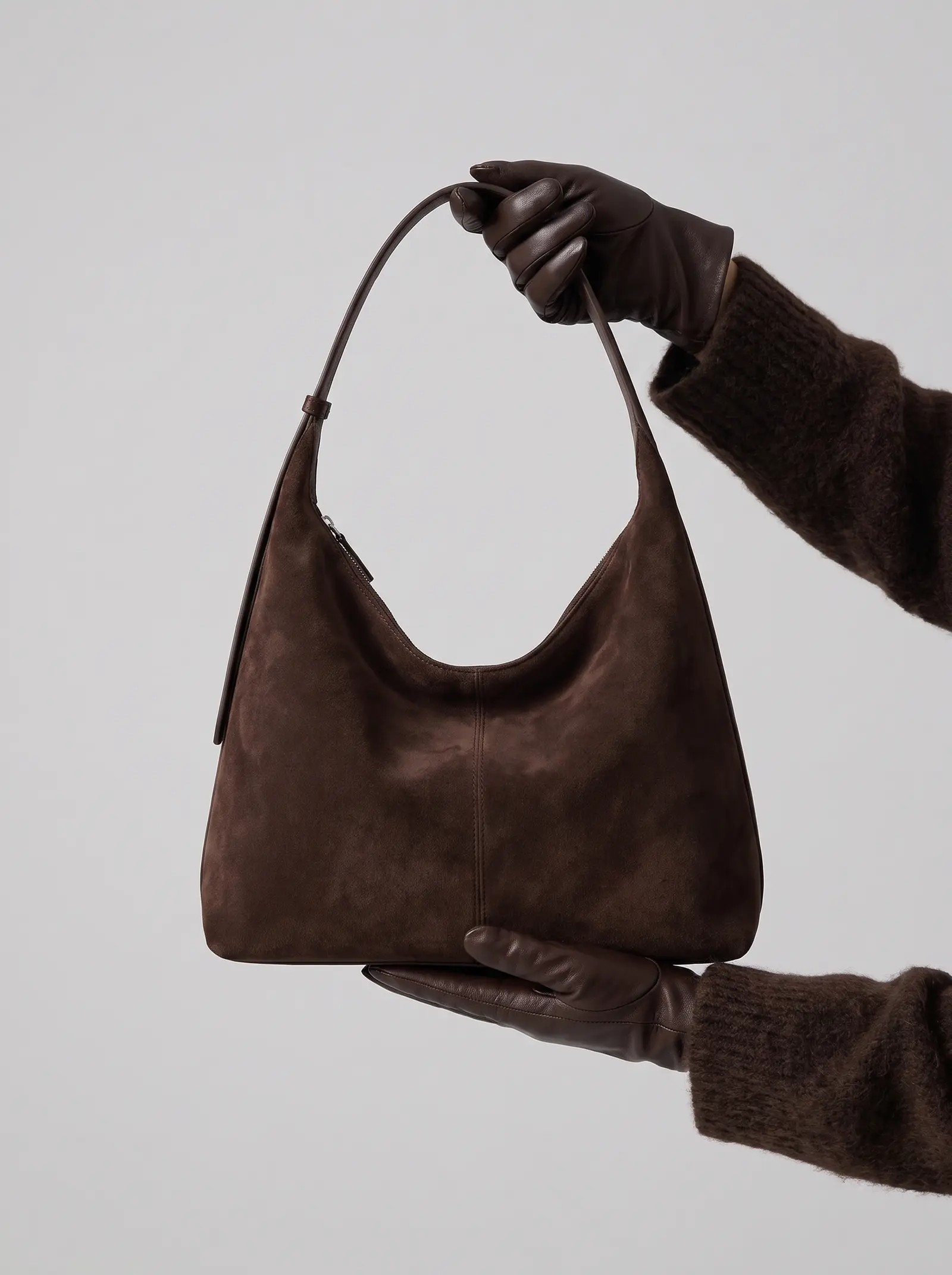
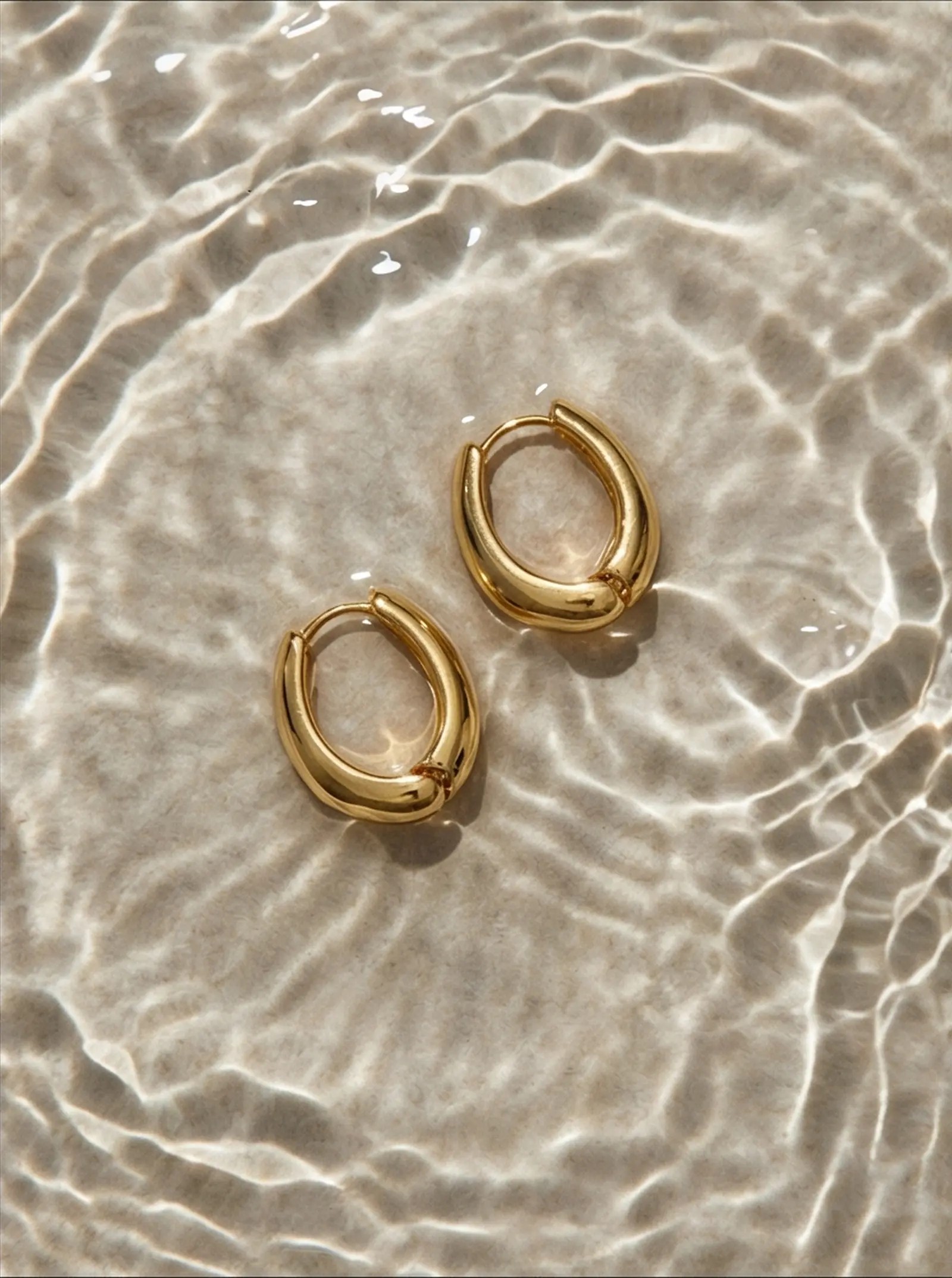
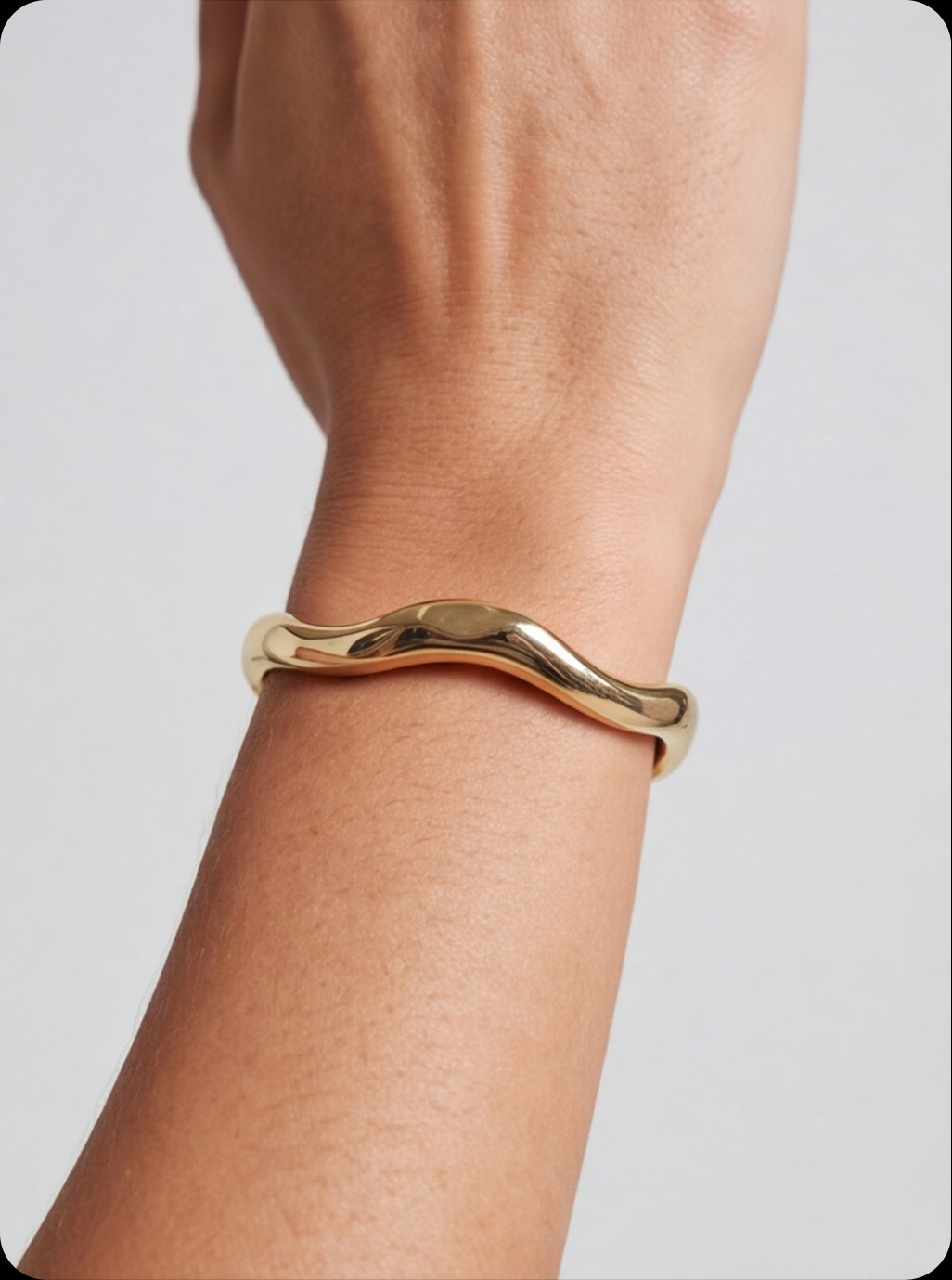
Made with Product Shoot
Real results from Avioo. Add your own product to make yours.
How it works
- Step 1
Add your product
A clear photo of the product, taken on any plain background.
- Step 2
Pick a scene to copy
Upload a product photo whose look you like, or choose one from the inspiration library.
- Step 3
Choose your frames
Nine variations come back. Upscale the ones you want and download them.
Who it's for
A campaign needs a run of images that clearly belong together, not one hero shot and a pile of mismatched extras. This page is for brands planning a launch, a sale or a new collection who already know the look they want. In Avioo you add a reference photo in that look and a clear photo of your product, and you get nine variations of the scene with your product as separate 2K frames.
Launch week content set
You need a feed post, a story image and a banner crop for a product going live on Monday, all sharing the same light and set.
Moodboard into production
Your team agreed on one reference image in the planning deck, and now the actual product has to appear in that scene several ways.
Refreshing last season's campaign
Last season used a beige stone set, and you want the same product reshot in a new direction without booking another studio day.
What you get
- You add
- A photo whose style and scene you want, and a clear photo of your product.
- You get
- Nine variations of that scene with your product, as separate frames you can upscale to 2K or 4K.
- Time
- About a minute per run
- Plan
- Generating needs a plan. See pricing
Tips for a better result
- 1Pick a reference where the product sits at a similar size and angle to yours, so the nine variations frame your product naturally.
- 2Photograph your product straight on in soft daylight against a plain wall, labels readable and no hands or clutter touching it.
- 3Match the reference to your product's shape: a scene built around a flat box suits a tall bottle poorly.
Frequently asked questions
- How do I create product campaign images?
- Upload your product photos to Avioo, pick a scene to copy, and the AI generates professional campaign visuals in about a minute.
- Can I use these for paid advertising?
- Yes. All images are fully yours to use in Facebook ads, Instagram ads, Google Shopping, and any advertising platform.
- What products work with this?
- Fashion, beauty, home goods, electronics, food & beverage — any physical product you can photograph.
- Will all nine images look like one campaign?
- Yes, that is the point of the sheet. All nine frames come from the same reference scene, so they share its palette, light and set while the composition varies.
- Can I steer the campaign toward a theme?
- Yes. Add a short written direction in the Prompt field, for example a colour to lean on or a prop to include, and it is added to the instructions.
Related tools
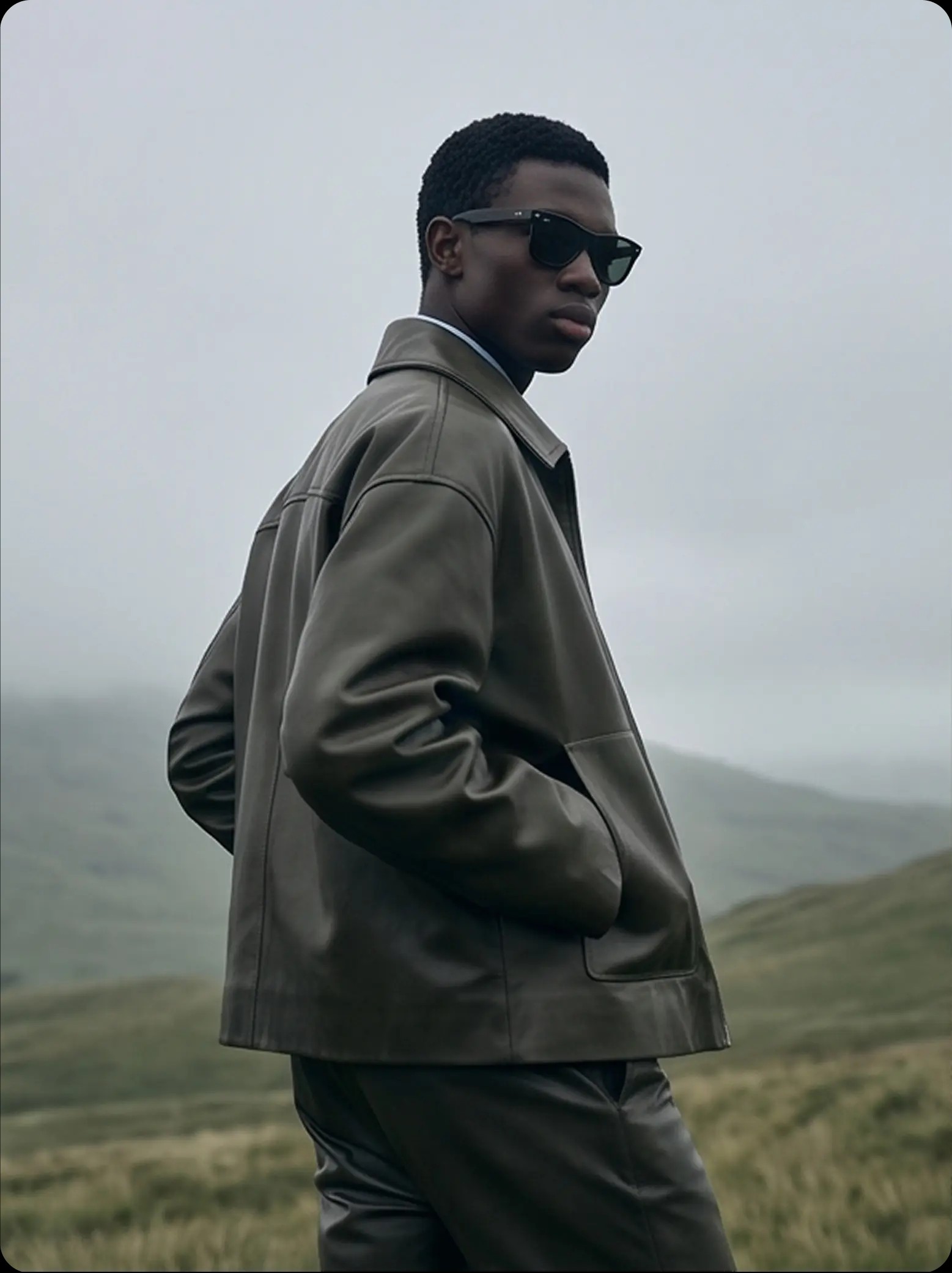 AI Fashion Campaign Photo GeneratorCreate professional fashion campaign photos and lookbook images in about a minute. Upload your products, choose a style, and let AI do the rest — no studio or photographer needed.
- AI Product Photography ToolProfessional product photography without the studio. Upload your products and generate campaign-ready images in about a minute, not days.
Fashion & campaign photos
Try it with your own product
Add your pictures, press Generate and download what you like.